Hello,Welcome to Zhengzhou fenglan boiler co., LTD !

7*24 hours Hotline : +8613526427771
Southeast Asia sales calls:+66890892025
7*24 hours Hotline : +8613526427771
Southeast Asia sales calls:+66890892025
zhengzhou fenglan boiler co., LTD
tel:+8613526427771
Overseas sales hotline:+66890892025
E-mail:fenglan@guolu.vip
382620615@qq.com
Address:Zhengzhou, Henan, China
 WeChat
 </li>
</li>
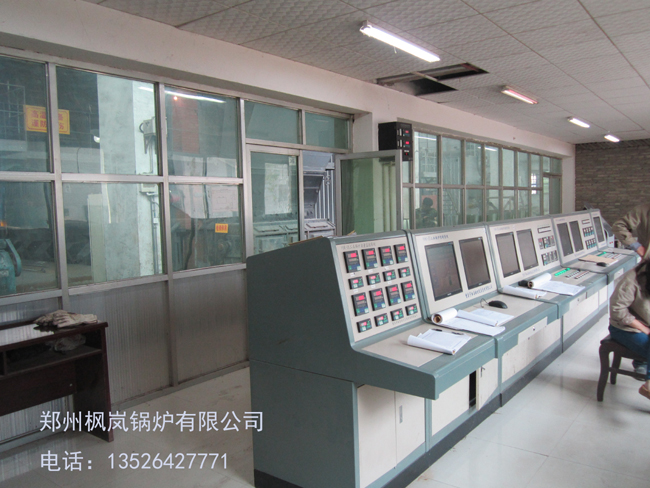
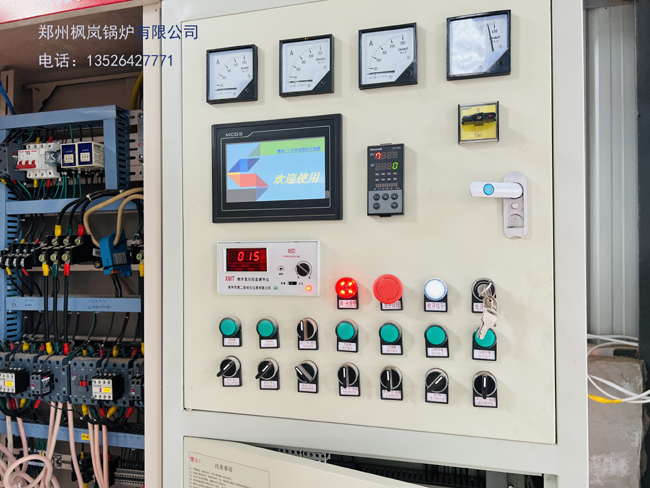
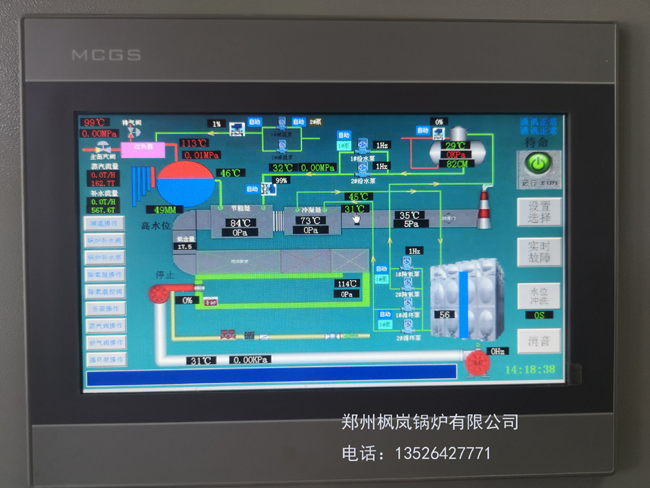
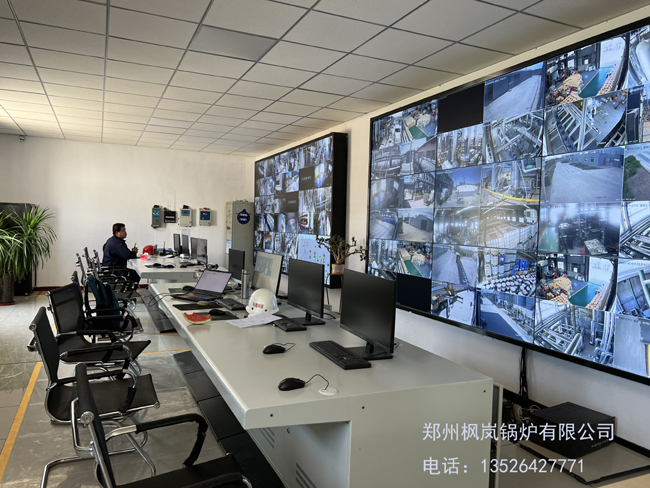
Product categories: Boiler control {remote, PLC control, PLM, S485 com
Product keywords:boiler control cabinet, boiler monitoring, boiler remote control, boiler connection
Introduction:The automatic control system adopts industrial automatic control technology scheme. The hardware is designed according to the function of modularization, and the main chips such as signal input, output, and level are all imported devices; ...
Telephone:+8613526427771
Southeast Asia sales calls:+66890892025

Boiler intelligent control
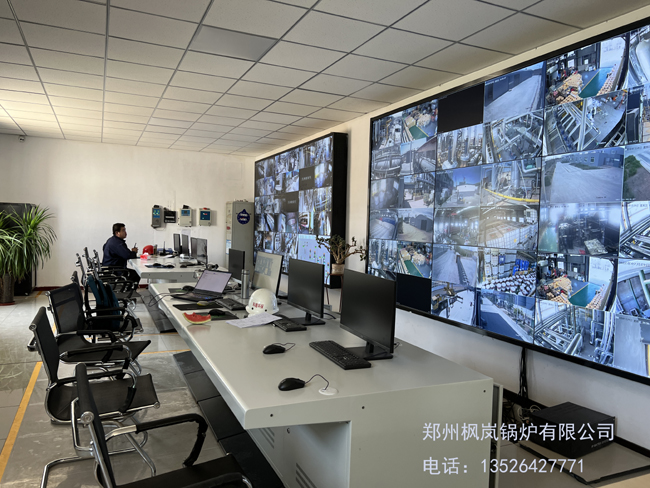
Boiler intelligent control
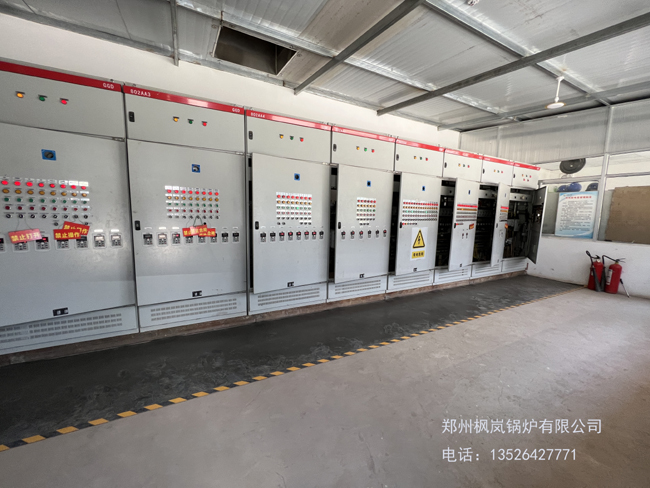
Boiler intelligent control
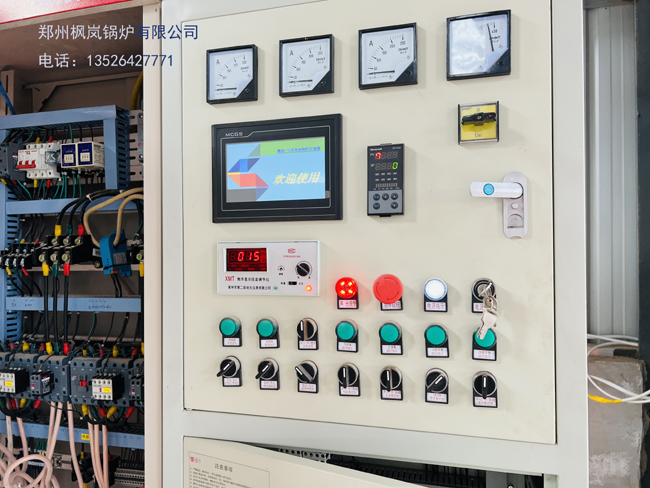
Boiler intelligent control
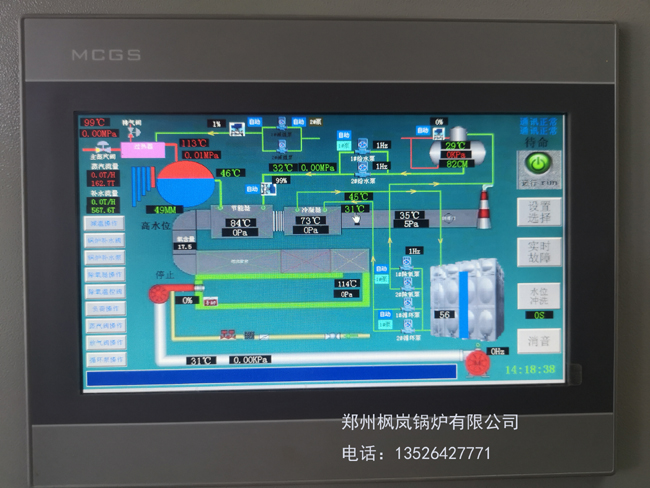
Boiler intelligent control
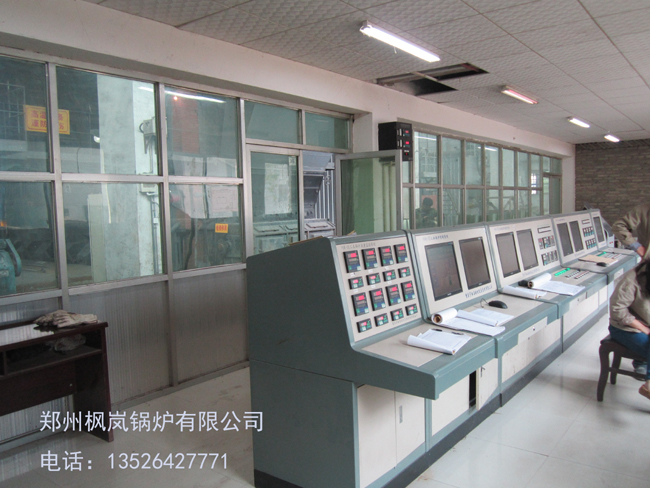
The automatic control system adopts industrial automatic control technology scheme. The hardware is modularly designed according to the function, and the main chips such as signal input, output, and level are all imported devices; the software is object-oriented design, embedded with the well-designed software of Fenglan Company, and the combination of software and hardware can automatically control the coordinated utilization of heat energy and condition detection. Abundant functions of fault detection, fault alarm and fault handling ensure the safe and reliable operation of the system.
The system adopts touch screen, high-scale, full Chinese display, and takes Fenglan company boiler control special module PLM or PLC as information processing and central control unit. Exchanging information with boiler users in the form of man-machine dialogue, the operation is extremely simple.
The controller model : __________
2. Screen display and operation
Power on the system, and the screen displays the welcome screen:
Touch any part of the screen to enter the password authentication screen, as shown below:
When the user presses the ***** key on the password authentication screen , a numeric keyboard screen will pop up on the screen. At this point, the user can enter a password.
If the user does not enter the password and directly presses the login key, he can only start/stop the furnace or consult the corresponding instructions of the system, but cannot perform other operations.
The system provides you with the administrator and operator secondary passwords, and you will get the corresponding operation authority according to the entered passwords:
2. Enter the main control screen after entering the password of the corresponding level in the password authentication screen .
The main control screen is equivalent to the guide for system control operation. The screen displays as follows:
Before the system is running, in order to make the system run according to the predetermined parameters, the user can first enter the parameter setting screen to check various parameters. modification etc.
In the following parameter setting screen, the user touches the pressure parameter on the left part of the screen . General parameters one .
General parameter two can directly enter the corresponding screen.
1) The place where " ## " is displayed in the following screens indicates the specific number display place. By touching this place, a keyboard screen will pop up on the screen, and the corresponding parameters can be set and operated. Press the ENT key to confirm, press the CLR key to abandon the current modification.
2) When the input value is not within the range, the system will automatically prompt "The set value is incorrect". You must log in with the administrator password to enter this screen.
Pressure parameters : This item can set the upper and lower limits of pressure and the pressure value of turning fire.
General parameter 1 : This item can set pressure and smoke temperature alarm points. Post-purge parameters. Pump selection.
General parameter 2 : This item can be used to set firepower selection (one-stage, two-stage or three-stage fire) and fuel selection.
Pressure parameters
In the figure above, the pressure parameter is set to control the state of the burner. After the specific control is visible, the equipment is automatically controlled.
General parameter one
Post-purge function setting : prohibit or allow.
Feedwater pump currently selected : 1# or 2#.
General parameter two
Burner fuel type : gas or oil.
Burning machine firepower selection : three-level fire. Second-level fire or first-level fire (compared to discussion).
Note: When the user selects gas as the fuel, the content and display related to the oil pump in all screens will be automatically hidden.
Working condition monitoring In the main control screen , press the working condition monitoring key and the screen will display:
1) The current steam pressure of the boiler system. Smoke temperature ( displayed at ### in the figure below ) and liquid level analog display.
2) Display the working status of the current system on the top of the main control screen : including automatic status or manual status and fuel type

Example : If the current system is in the flue temperature over-temperature fault, the user presses the fault query key, and the screen displays as follows:
After checking, the user presses the upper left corner to exit the fault checking screen.
manual operation
When the boiler is turned on, if manual operation is allowed, the user can control the start and stop of the equipment through the soft manual function.
If you want to manually operate the device, in the power-on state , the user can press the manual operation key in the main control screen to switch to the manual operation screen, and the screen will display:
Example: The user has just turned on the power and needs to manually turn on the 1# feed water pump, the steps are as follows:
Press the run analysis button in the main control screen , the system can analyze the pressure curve in real time. The screen displays the following figure:
running record
Press the running record key in the main control screen , the screen will display
Press the system operation key in the main control screen , the screen will display:
The system provides an online help function. You only need to browse the screen of the reference manual to get information about system precautions, main control schemes, troubleshooting, and safety settings. On the reference manual screen, the user can get relevant help by touching the relevant function box on the left of the screen;
Automatic control introduction : the user selectsthe burner. Feed water pump. The oil pumpcan obtain the control instructions of the corresponding equipment. (see example image below)
Manual operation introduction : users should pay attention to when operating the equipment manually.
Introduction to fault protection : when the system fails, it will have a chain reaction on each device. (see example image below)
Introduction to self-control
In the automatic control profile screen above, the user selects the burner at the bottom of the screen . Feed water pump . The oil pump can obtain the control instructions of the corresponding equipment.
Precautions for fault protection In the main control screen, the user selectsthe precautions, and the screen displays as follows:
In the previous screen, the user presses the page key and the screen displays as follows:
Post-purge reminder If the user sets post-purge permissionin the parameter setting item, the system will automatically execute the post-purge function after the system closes the first stage of fire, and the display in the working condition monitoring picture is as follows:
When the post-purging is over, the words "Purging" on the upper left of the screen disappear.
Troubleshooting
When a fault occurs during system operation, the screen will automatically switch to the fault screen to prompt. Example: The current flue overtemperature fault is displayed as follows:
Reset key: Press this key to restore the system to normal operation after troubleshooting.
Silence key: Press this key to silence the alarm sound.
Return key: Press this key to return to the working condition monitoring screen to check the current system working condition.
If there is a fault currently, the user can press the return key to view the current working condition without eliminating the fault . At this time, the screen returns to the current working condition monitoring screen, which is displayed as follows:
If the working condition monitoring screen currently prompts "There is a fault, please fix it!!!" the user can press the fault query button to view it. If there is currently a flue overtemperature fault, after the user presses the fault query button, the screen will display as follows:
On the upper screen, press the page key to continue browsing the fault screen to see if there are other faults.